
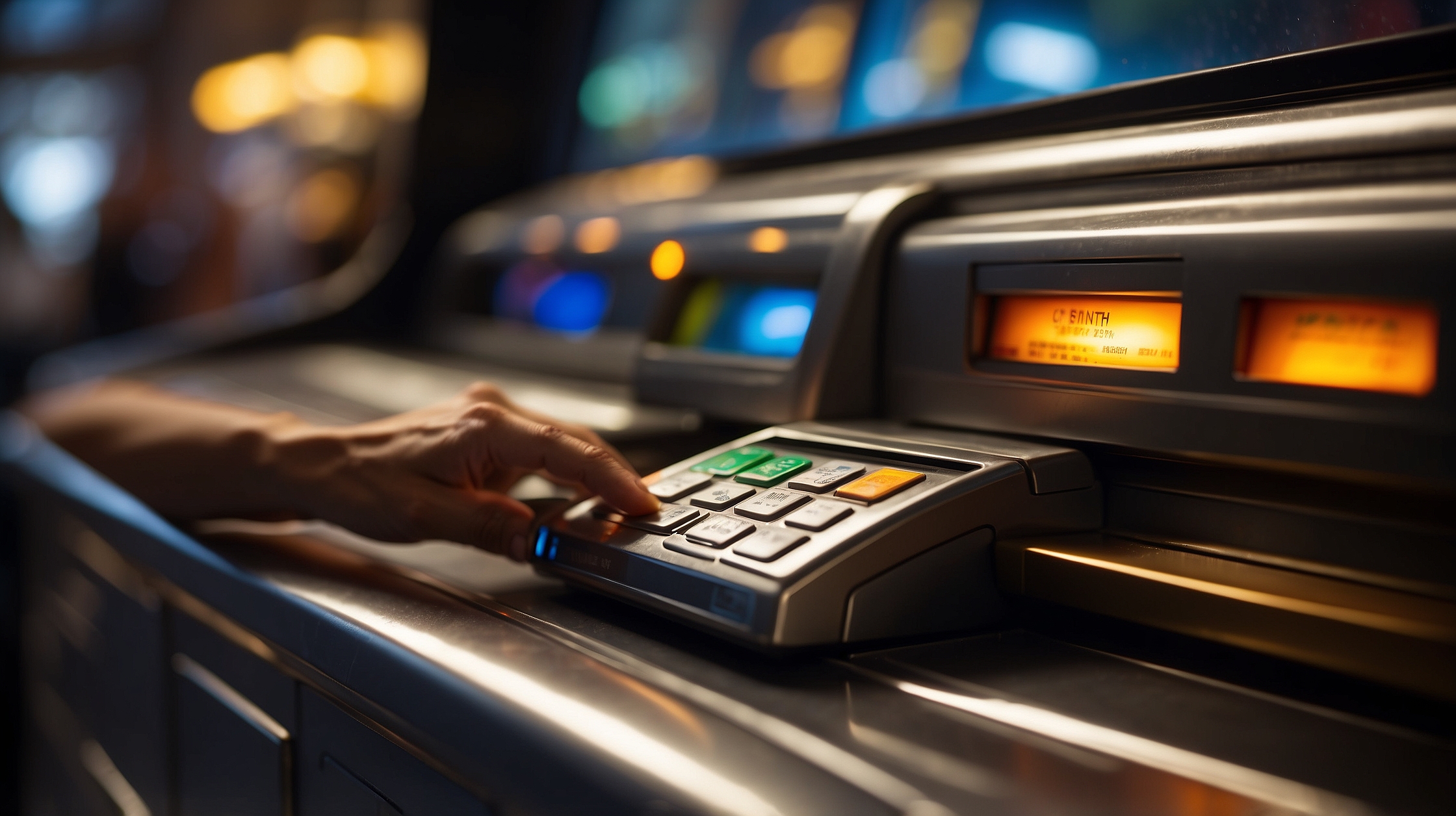
There are few moments more stressful than standing in front of an ATM, watching the machine seemingly swallow your card without warning. Whether you’re withdrawing cash, checking your balance, or making a deposit, a retained debit or credit card can disrupt your day—and potentially put your finances at risk. Thousands of users experience this problem every year, but what most people don’t realize is this: there may be a simple built-in feature that could get your card back on the spot—if you act quickly.
As banks embrace digital transactions and automation, traditional ATMs are being upgraded with features aimed at improving security and user protection. Among them is a lesser-known “cancel-and-retrieve” mechanism. This system gives customers a small window to reclaim their card using a specific button or action sequence. Unfortunately, due to lack of awareness or unclear signage, many users never take advantage of this safety net and end up calling their bank or waiting days to recover their card—or worse, needing to cancel it entirely.
Quick facts about what to do if an ATM takes your card
| Problem | ATM retains your debit or credit card |
| Common Causes | Timeout from inactivity, suspected fraud, expired card, or malfunction |
| Available Option | Use “Cancel” button immediately (typically within 20 seconds) |
| Recovery Time | Instantaneously (with correct button use); otherwise, 5–10 business days for replacement |
| Risk Level | High if card is retained and used fraudulently; moderate if simply lost or expired |
Why ATMs keep your card—and what you can do
There are several legitimate reasons why an ATM may retain your card, ranging from security concerns to technical glitches. Here are the most common causes:
- Inactivity: If you don’t respond to on-screen prompts within a set timeframe, often 20–30 seconds, the ATM may assume you’ve left and retract your card to prevent theft.
- Suspected fraud: Repeated incorrect PIN entries or suspicious activity can trigger a lockout.
- Card expiration: Some ATMs are programmed to detect expired cards and retain them for your safety.
- Technical malfunction: Jammed slots or faulty sensors may trap your card unintentionally.
Understanding the “why” behind a retained card can help ease panic, but knowing the right next step can actually get you out of the problem faster—if you act quickly enough.
The little-known ATM button that may rescue your card
In many upgraded ATM models, there’s a built-in safeguard that allows the customer to retrieve their card immediately—by pressing the “Cancel” or “Abort” button within 10–30 seconds of the card being trapped. The logic is simple: if someone walks away too soon or makes an accidental selection, this override gives them a second chance at recovery.
However, this hidden feature is often not advertised by banks, especially on machines operated by third parties. According to ATM technicians, pressing “Cancel” successively (generally 2–3 times) right after your card is trapped can trigger a card return sequence—assuming the reason for its capture wasn’t due to fraud flags or an expired card.
“Most customers don’t realize there’s a short countdown where the ATM can reverse its action and return the card. It’s built in for safety—but hardly anyone knows about it.”
— Michael T., Bank Service Engineer*
Tips to try immediately if your card is stuck
- Don’t walk away: Remain in front of the machine and observe the screen closely for updates.
- Press “Cancel” repeatedly: Tap the “Cancel” or red button within 10–20 seconds to attempt retrieval.
- Look for help options: Some ATMs have intercom buttons or screen prompts for assistance.
- Note the ATM ID: Record the machine number and location; you’ll need this for reporting the issue.
- Avoid inserting another card: This can confuse the machine further and complicate the retrieval process.
What to do if the ATM keeps your card despite efforts
If your card is not returned after attempting the cancel trick, your next steps depend on whether the ATM is bank-owned or third-party:
- Bank-owned machine during business hours: Enter the branch immediately and inform a teller or manager. They may be able to unlock the machine and hand the card back if verified on the spot.
- Third-party or out-of-network terminal: Look for a contact number on the ATM and report the issue immediately. Request a card block if you suspect fraud.
- After hours: Use the mobile app or online banking immediately to freeze your card, then call customer service to request a replacement.
The rising number of ATM card captures
Several banks and ATM operators have reported a steady uptick in card-related technical complaints, especially since the implementation of contactless and chip security standards. Physical wear-and-tear, increased fraud monitoring, and more sophisticated sensors have all contributed to greater instances where ATMs retain cards—not all of which are malicious or negligent.
“We’re seeing a 15% rise year-over-year in retained cards. Most are returned to the customer with proper verification, but better user awareness would reduce stress.”
— Clara R., Fraud Prevention Manager*
What banks recommend you do next
Major banks typically advise their customers to:
- Contact the customer service hotline immediately and report the incident
- Place a block on the account if theft or tampering is suspected
- Request a replacement card and update any automatic payments linked to the old one
- Monitor account activity for 14–30 days in case of unauthorized transactions
Some banks also offer real-time card freezing features via their app, allowing users to suspend or unfreeze their cards at will. This adds a crucial layer of control if recovery is delayed.
Preventive measures to avoid card retention
You can minimize your risk of having your card taken by an ATM with a few preventive steps:
- Use chip or contactless payments wherever possible to minimize card insertion
- Act promptly when prompted for actions on ATM screens
- Avoid obscure or standalone ATMs, especially in gas stations or late-night locations
- Keep your card in good condition; damaged or bent cards are common causes of jams
- Enable real-time alerts for card use and ATM transactions
Winners and losers of ATM upgrades
| Winners | Losers |
|---|---|
| Tech-savvy customers using digital wallets and contactless ATM features | Users unfamiliar with card recovery protocols |
| Banks that invest in smarter, alert-connected ATM networks | People using old/damaged cards or outdated ATMs |
Short FAQs about ATM card retention
How long do I have to press “Cancel” and retrieve my card?
Typically, you have 10–30 seconds after your card is retained. Pressing “Cancel” quickly and repeatedly may trigger the return mechanism.
Can I get my card back if the ATM is outside business hours?
Only if the machine allows it through a recovery feature. If not, you must contact your bank via app or phone.
Why did the ATM take my card even though my transaction went through?
This often happens due to card expiry, remaining inside the machine too long, or flagged suspicious activity.
Should I call the bank or wait at the ATM?
If you’re at a bank-owned ATM during hours, try to speak to staff. Otherwise, call immediately and freeze your account via the app.
Will I be charged for a lost or retained card?
Most banks do not charge for basic card replacements unless it’s expedited delivery or repeated losses.
Can the bank unlock the ATM and get my card back instantly?
Only bank staff have access to open ATMs, and only during branch hours. Confirm ID and transaction before getting your card.
Is my account at risk if my card was swallowed?
If the card was retained due to expiry or inactivity, risk is minimal. If stolen or suspicious activity is suspected, freeze your account immediately.
Can ATMs return a card automatically?
Some machines do after a timeout or through pressing “Cancel” in time. Not all machines support this, so quick action is key.


